HeyGen Alternative Built for Work, Not Avatars
HeyGen is excellent for scripted stock avatars. Hedra is a multi-model agent workspace — images, performance video, voice, and brand Elements in one studio, powered by Hedra's research and inference infrastructure.
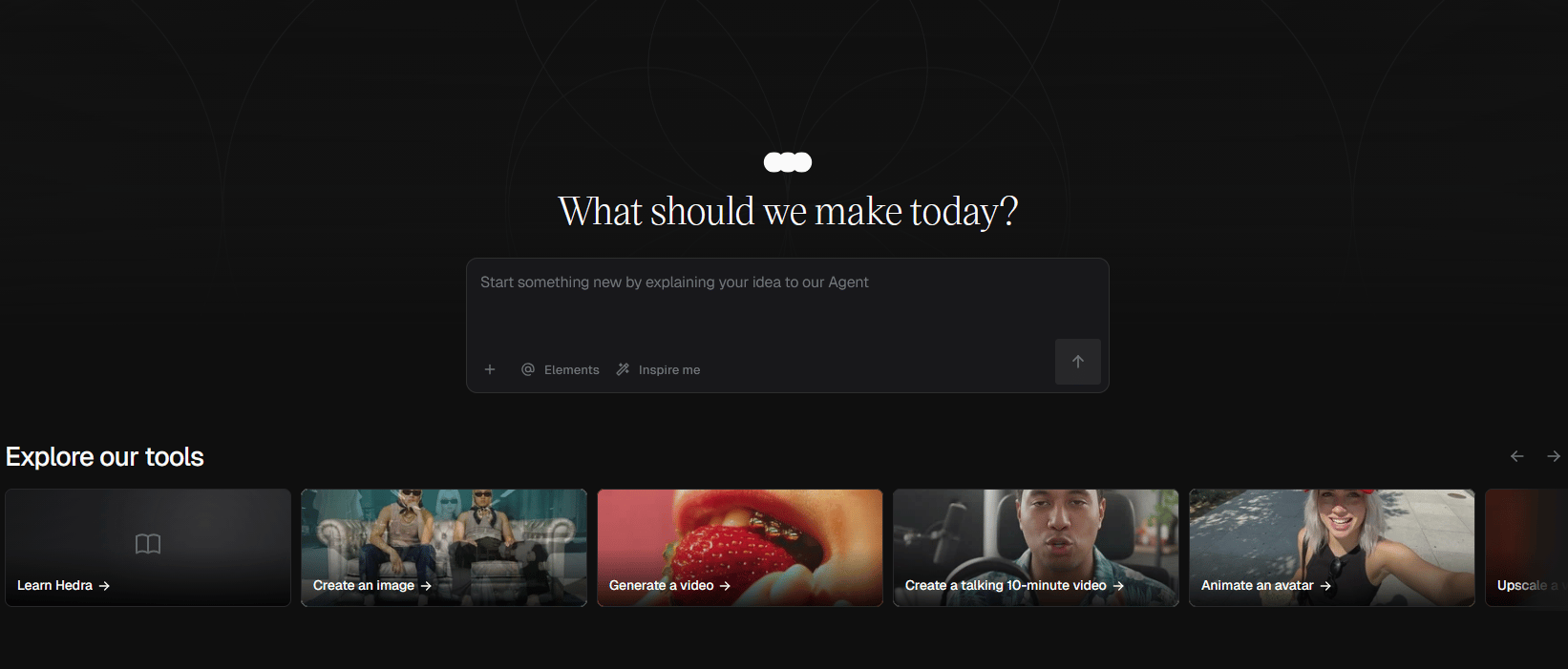
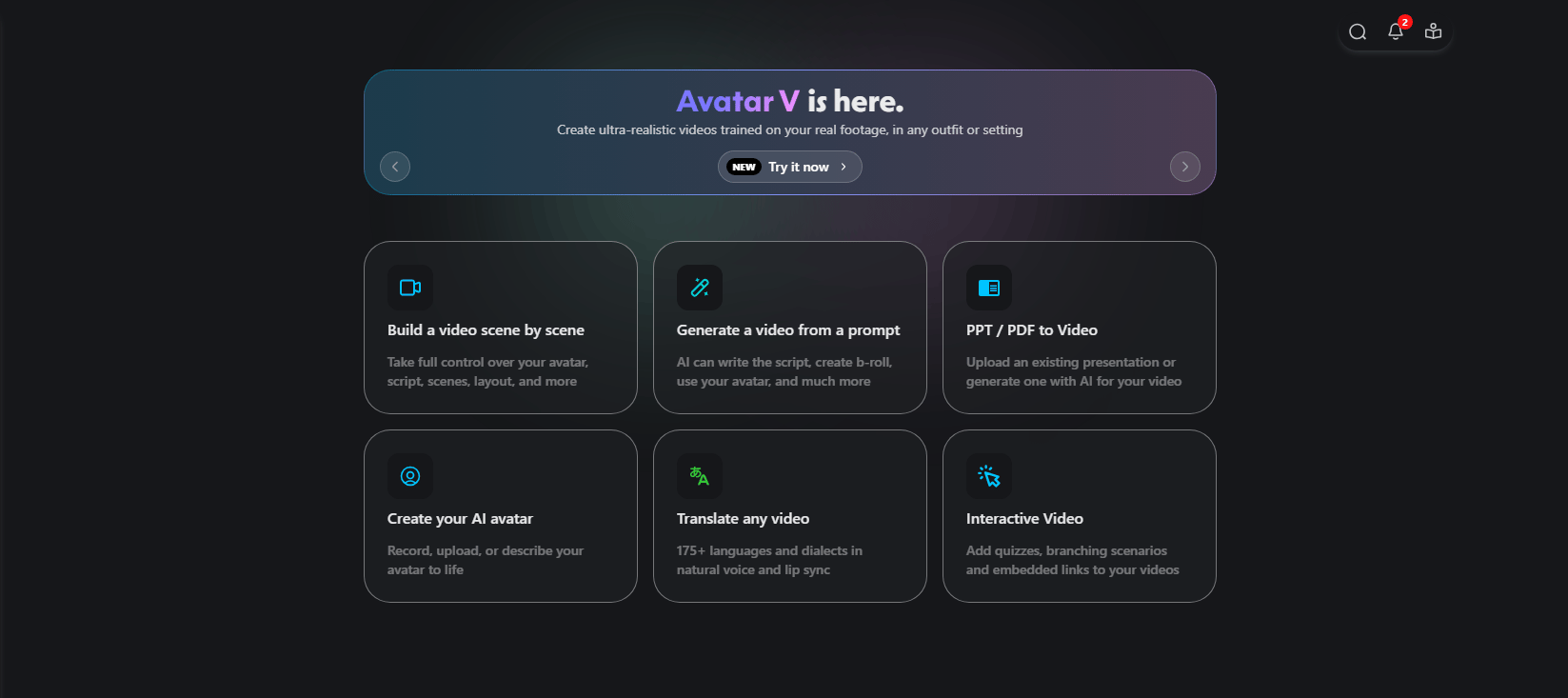
HeyGen Makes Avatars. Hedra Makes Campaigns.
Hedra runs image, video, voice, and editing from one connected workflow. HeyGen specializes in avatar video, anchored by a deep avatar library with broad language coverage. Hedra is built around full campaigns, with Brand Elements that anchor every generation and expressive character performance built in. One project, one place, end to end.
Get StartedHedra vs. HeyGen At a Glance
A side-by-side view of how each platform handles full creative production.
Get Started| Hedra | HeyGen | |
|---|---|---|
Unified workflow across image, video, voice, and editing | Included | Partial |
Expressive character performance (Omnia model) | Included | Included |
Brand Elements (saved brand assets across generations) | Included | Partial |
Multi-model image and video generation | Included | Missing |
Voice and audio generation | Included | Included |
Agent that runs full projects end to end | Included | Partial |
In-platform timeline editor | Included | Included |
Where Hedra Goes Further
Three areas where Hedra's approach differs from a pure avatar platform.
Full Creative Workflow
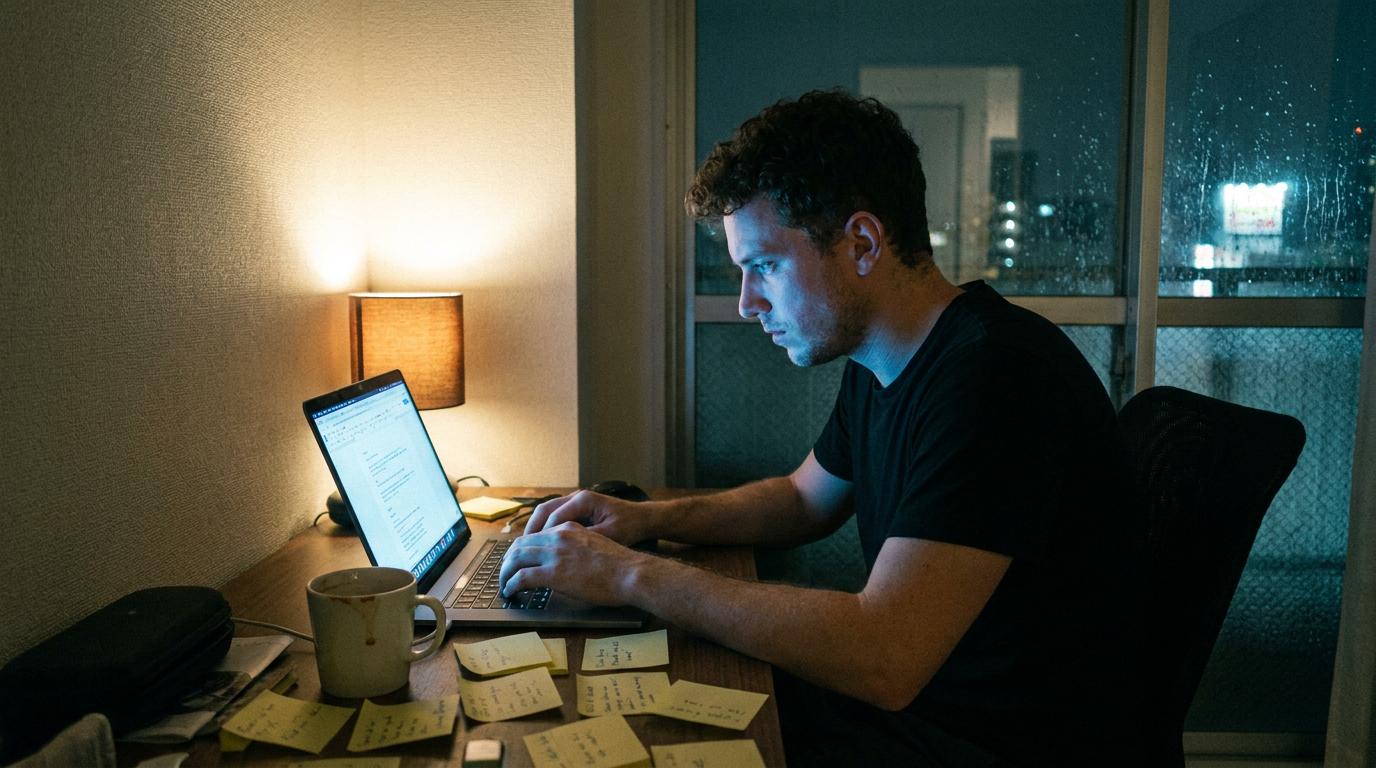
Hedra covers image, video, voice, and editing in one connected workspace. Generate a campaign visual, animate it, add narration, and finish the cut without exporting to creative tools elsewhere. One project, one place, end to end.
Brand Consistency That Learns
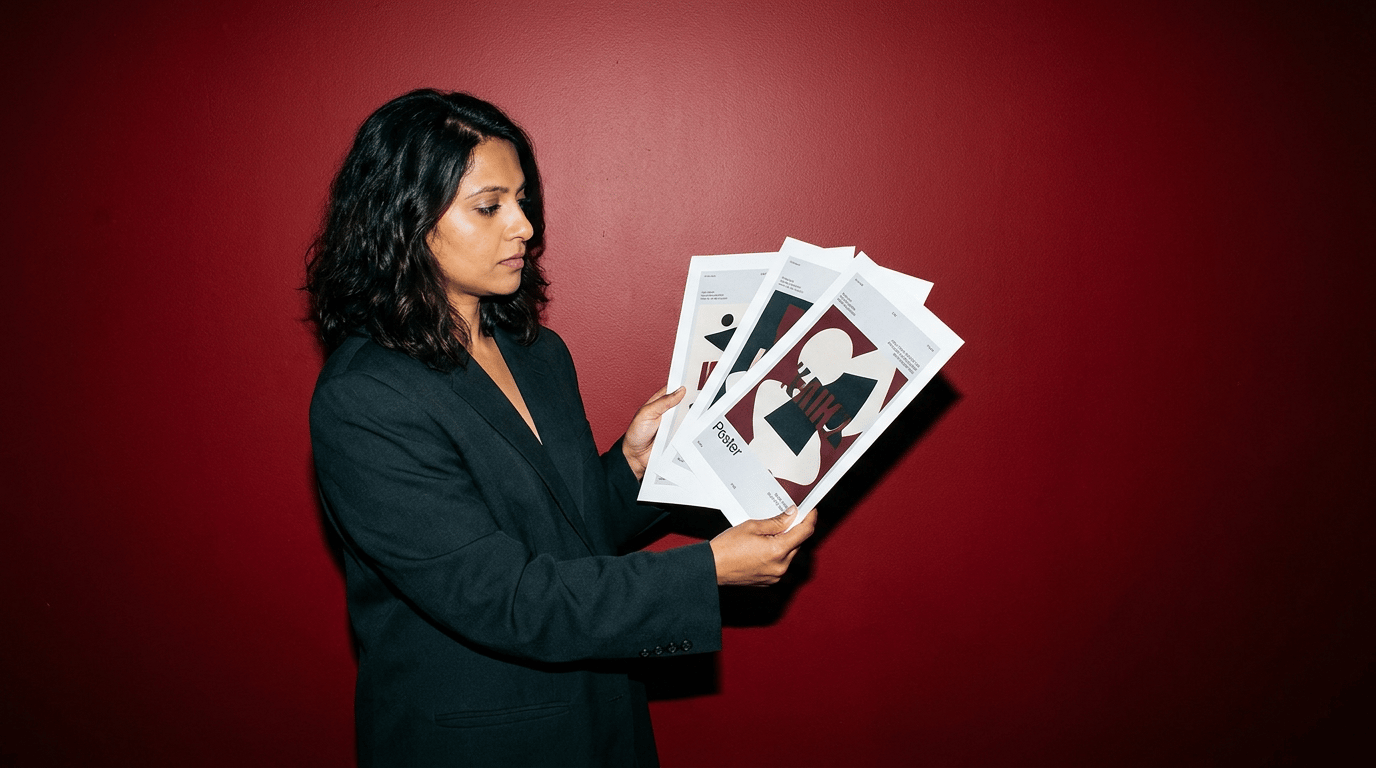
Save your products, characters, and visual system as Brand Elements once. The Hedra agent applies them across every generation, so image, video, and voiceover carry the same brand identity automatically. You don't have to re-prompt brand details on every new asset.
Multi-Model Access

Hedra gives you access to 14+ AI models including Nano Banana Pro, Flux, Imagen4, Seedream, and Hedra's proprietary Omnia for character performance. The agent selects the right model for each output. HeyGen runs on its own avatar models only.
How Hedra Works
Three steps from idea to finished output.
1. Describe What You Want
Open Hedra and tell the agent what you need. A product ad, a set of social assets, a campaign across formats. Upload reference images so it learns your visual style, or generate manually and choose your model.
2. Generate Across Formats
The agent selects the right models for each asset and generates images, video, and audio from one conversation. Use the prompt enhancer to refine descriptions, or let the agent handle it.
3. Refine, Save, and Export
Edit in Composer, save characters and assets as Elements for future projects, and export everything from one platform. No tool-switching. No re-uploading.


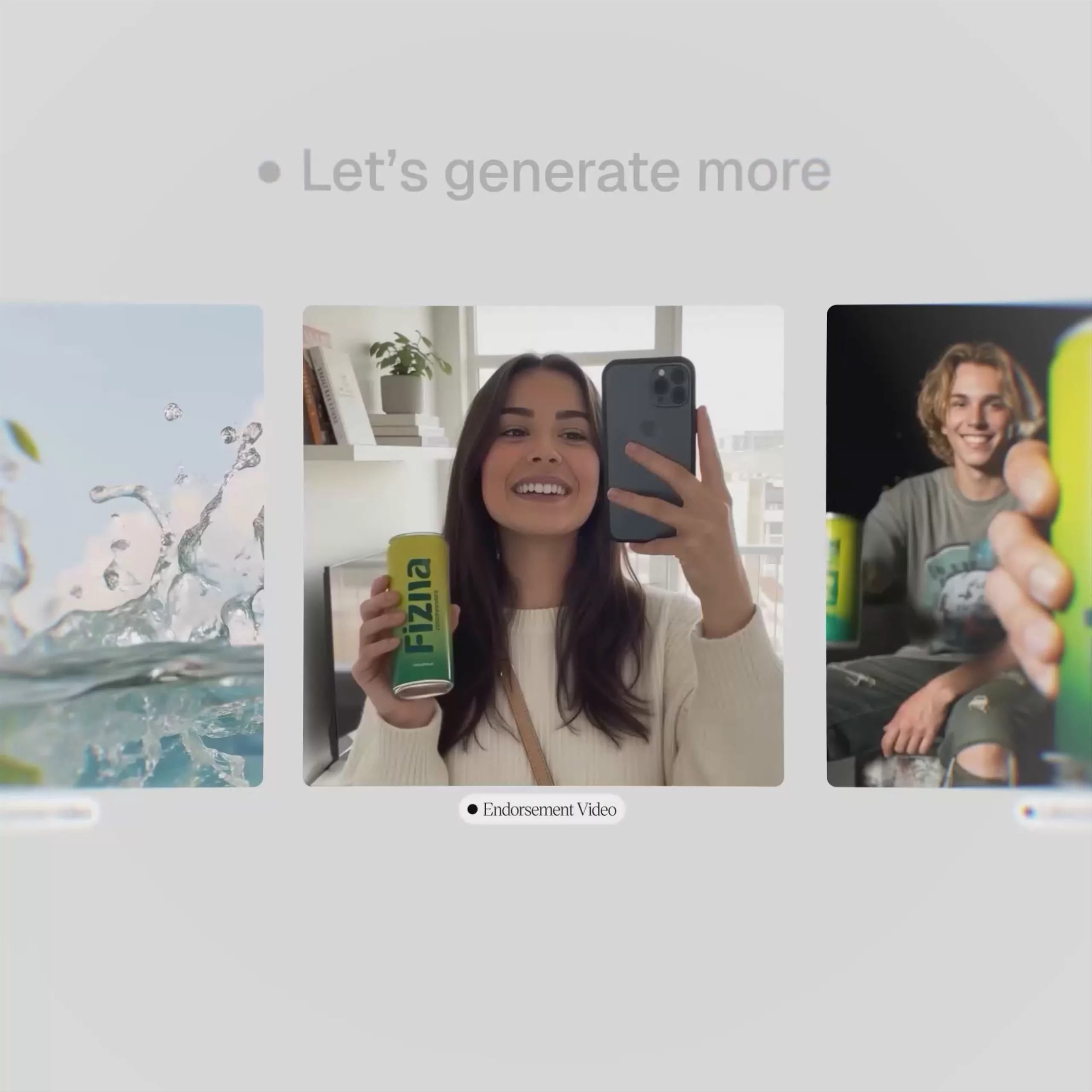
How Hedra Works
Three steps from idea to finished output.
1. Describe What You Want
Open Hedra and tell the agent what you need. A product ad, a set of social assets, a campaign across formats. Upload reference images so it learns your visual style, or generate manually and choose your model.
2. Generate Across Formats
The agent selects the right models for each asset and generates images, video, and audio from one conversation. Use the prompt enhancer to refine descriptions, or let the agent handle it.
3. Refine, Save, and Export
Edit in Composer, save characters and assets as Elements for future projects, and export everything from one platform. No tool-switching. No re-uploading.
Choosing between Hedra and HeyGen
Each platform fits different work. Here is when each one makes sense.
Get Started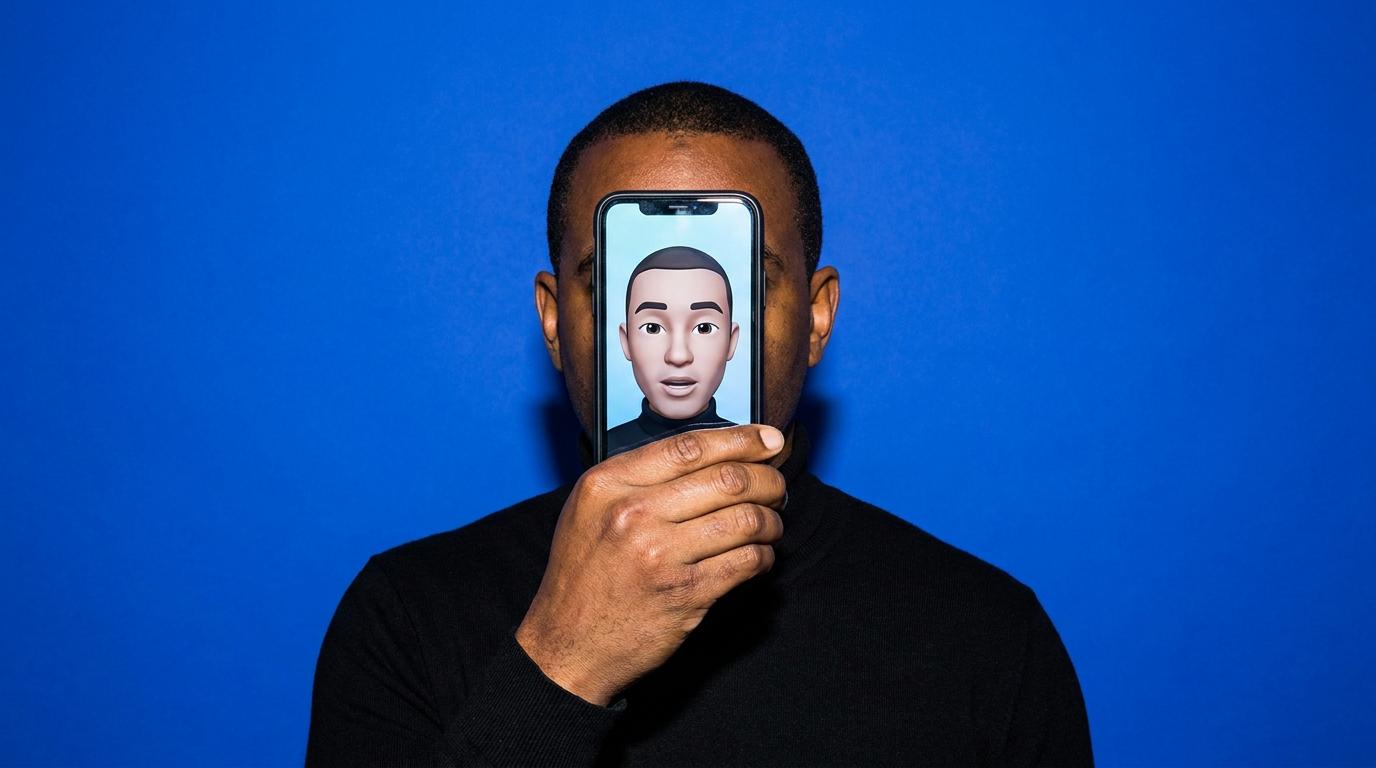
Choose HeyGen if...
Your core output is avatar and talking head video at scale, with deep language coverage and a large avatar library anchoring the workflow. Most of your production sits inside that specific format, not assembled from many different asset types.
Choose Hedra if...
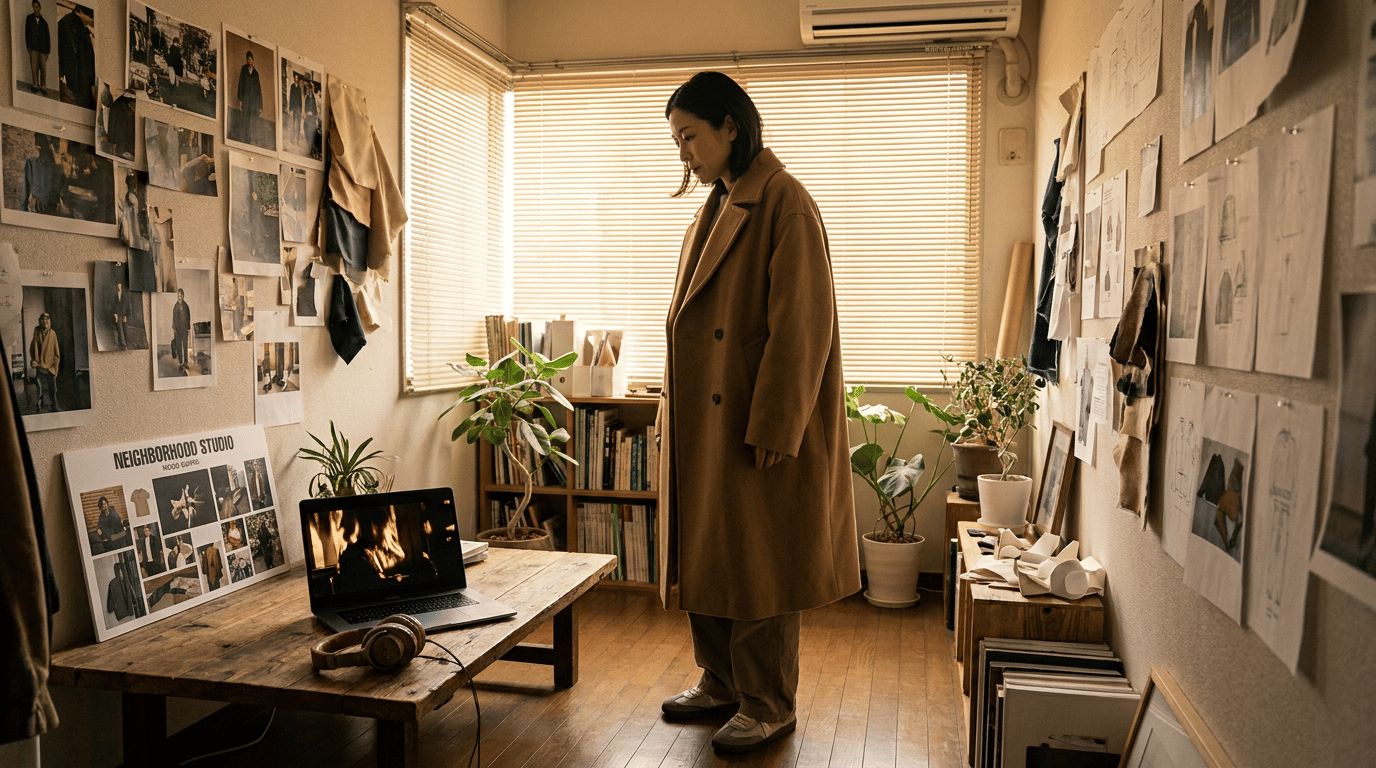
You're producing full campaigns where every output needs to stay on brand across image, video, voice, and editing. The Hedra agent orchestrates the work end to end. Character performance, voice, and finishing live in the same workspace as your image generation, so the campaign comes together in one project.
HeyGen Alternative FAQ
Common questions about switching to Hedra.
Choose HeyGen when you mainly need stock-style talking avatars from a script, with deep template/language packaging for training or localization.
Choose Hedra when the job is a full campaign: multi-model image + video, talking performance from your character, brand Elements, and an agent that routes work end to end — not avatar-only production. Powered by Hedra's research and inference infrastructure, not only a thin wrapper on third-party APIs.
Honest middle: many teams keep HeyGen for pure L\&D avatars and use Hedra for ads, social, and multi-format creative. Product hub: AI video generator.
Yes. Hedra’s free plan includes monthly credits to try the agent, Brand Elements, and short generations (free outputs may be watermarked / non-commercial). Paid plans start at $15/month. Compare engines in best AI video models and platforms in best AI video generators.
Save products, characters, and style references as Brand Elements once; the agent reapplies them across image, video ads, and voice. That’s the main production difference vs avatar-first tools that restart brand context per clip.
Yes — via Omnia and multi-model paths: upload or generate a character, add script/voice, get lip-synced performance. That sits beside image to video, text to video, and UGC in the same studio. HeyGen’s edge remains a large stock avatar library and presenter packaging; Hedra’s edge is your brand characters + multi-model campaigns.
Voice runs through partners such as ElevenLabs and MiniMax inside Hedra for narration and character performance. Coverage depends on the voice product you pick for the job. For multi-language campaigns, generate once and re-voice rather than rebuilding the whole project in a separate avatar tool.