The Best Model to Animate Images
Talking photo AI turns any image into a speaking video with natural expression and emotion. Upload a photo, add a script or audio, and Omnia animates the performance to match every word.
Join over 10 million users
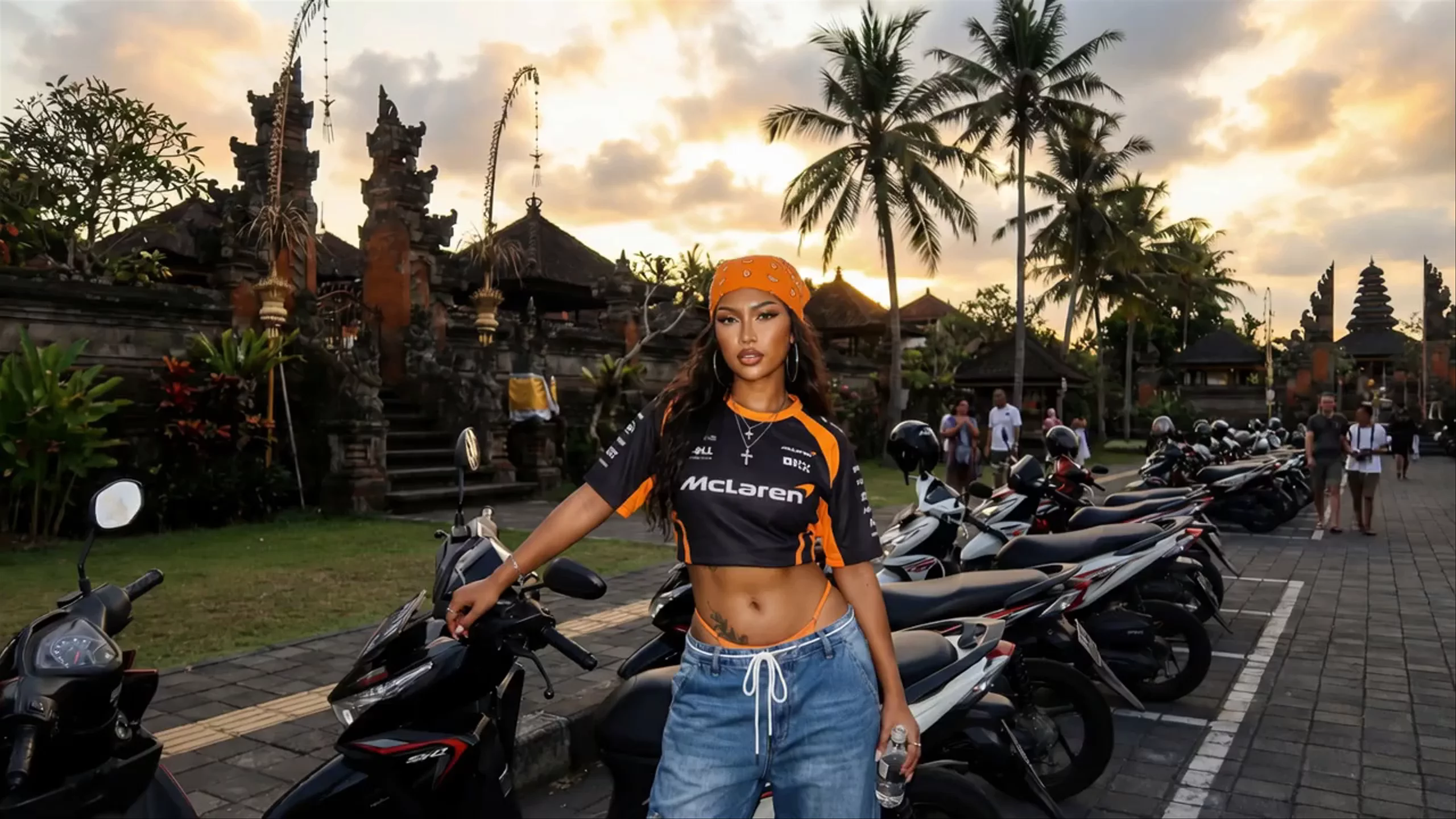
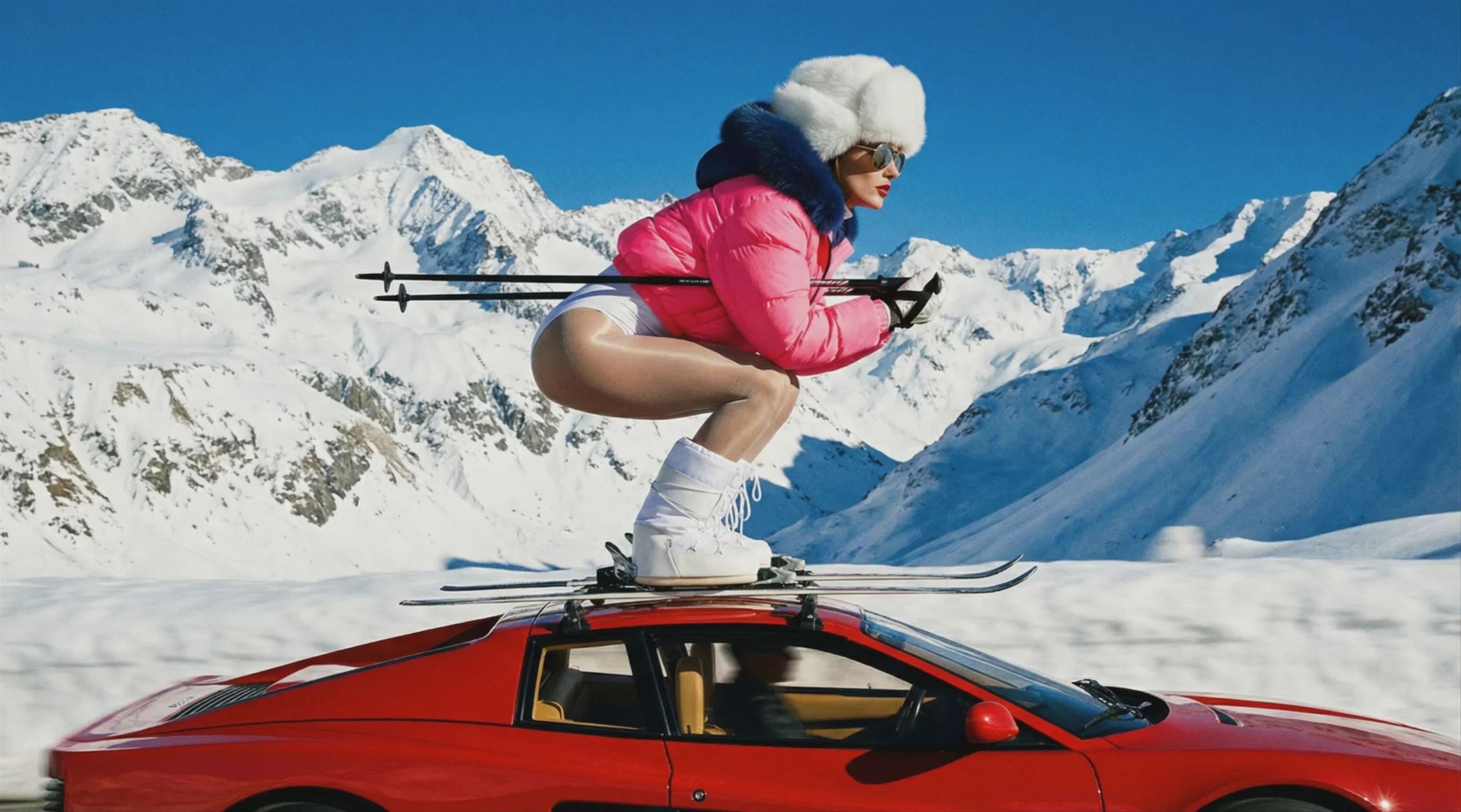

One photo becomes a video that speaks, moves, and reacts. Use it for short-form social, product walkthroughs, language learning, or any time you need a face on camera without filming. No studio, no schedules, no reshoots.
How to Make a Talking Photo
Go from a still image to a speaking video in three steps. No filming, no editing experience needed.
Upload your photo
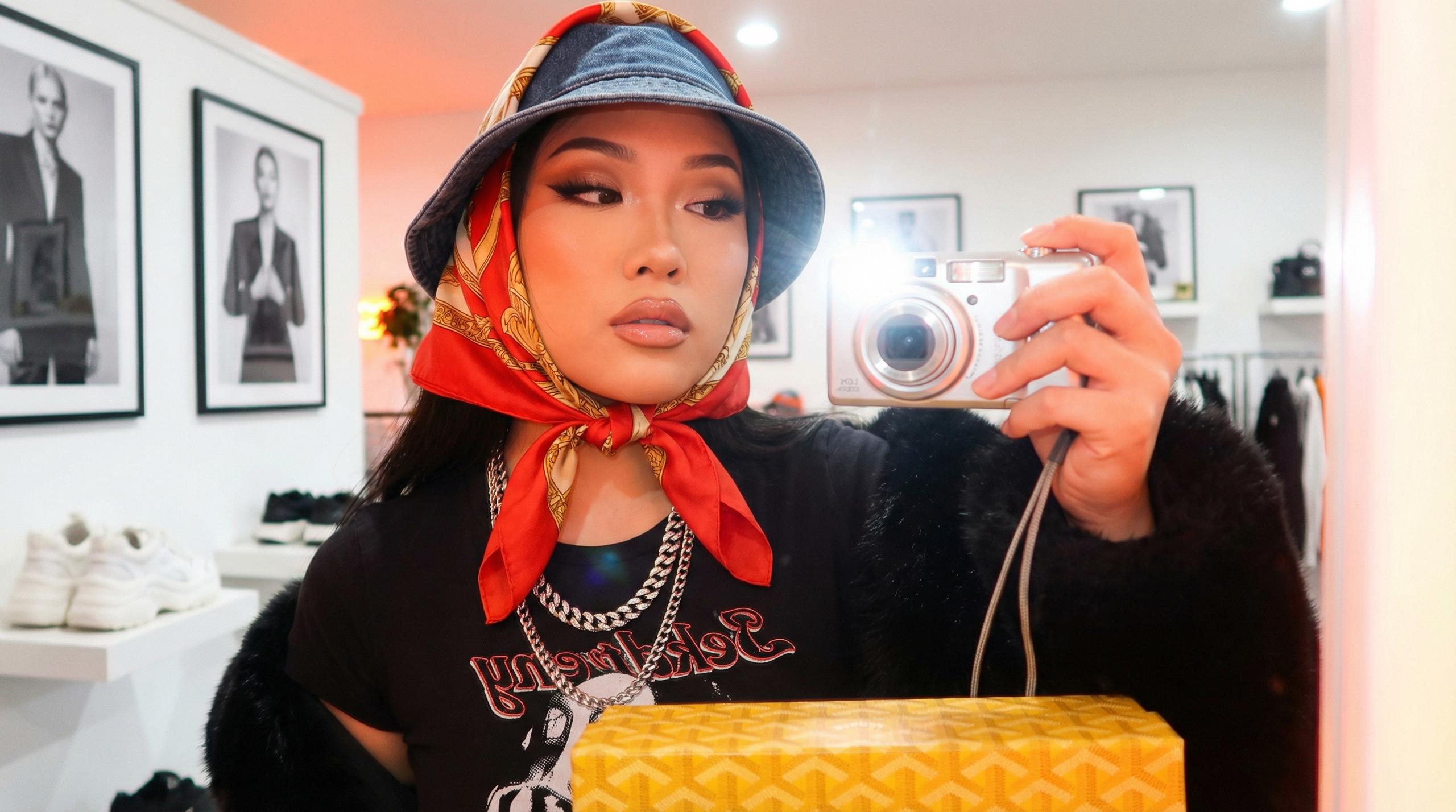
Drop in your portrait. Make sure the face is clearly visible and well-lit so Omnia can read expression and movement.
Add your script or audio
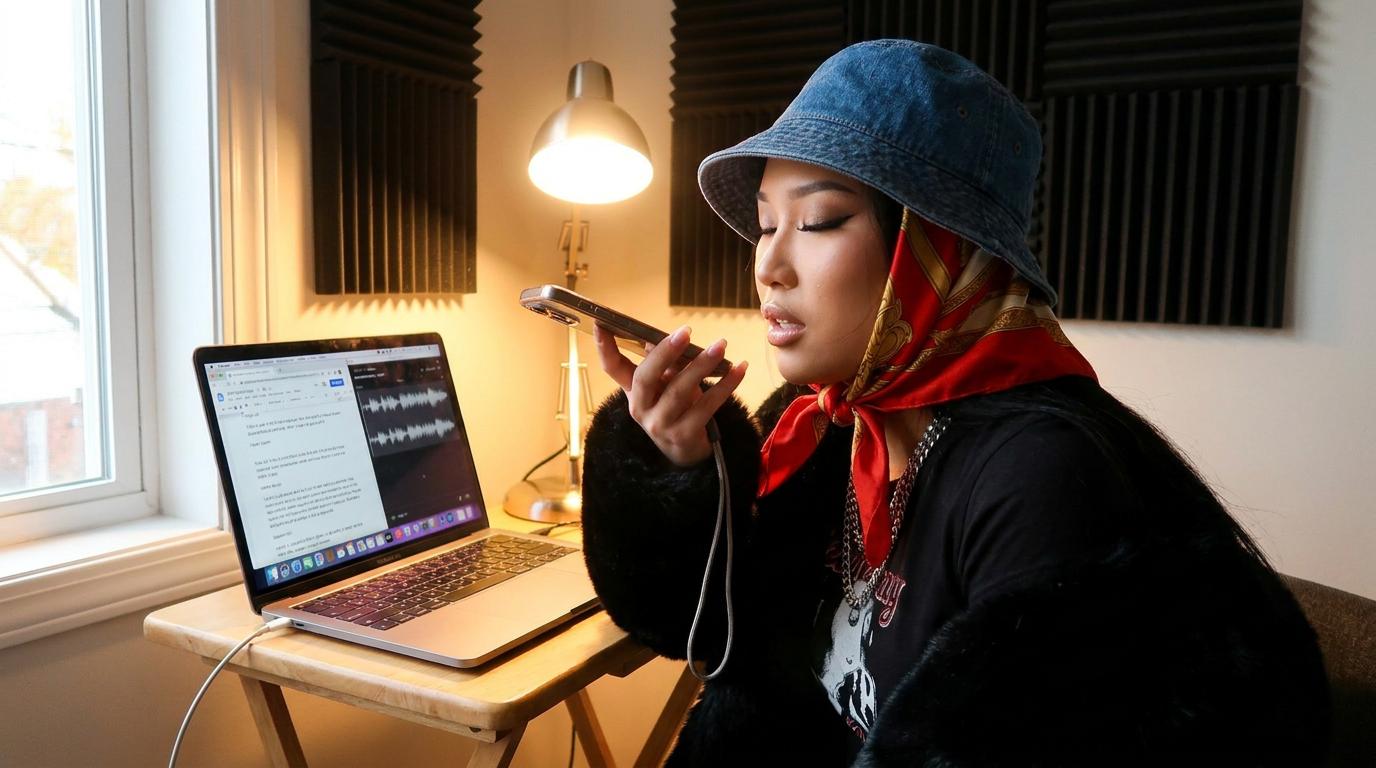
Type a script and pick a voice from the library, record audio in the app, or upload your own track. The agent matches the voice to the photo's energy.
Generate your talking photo
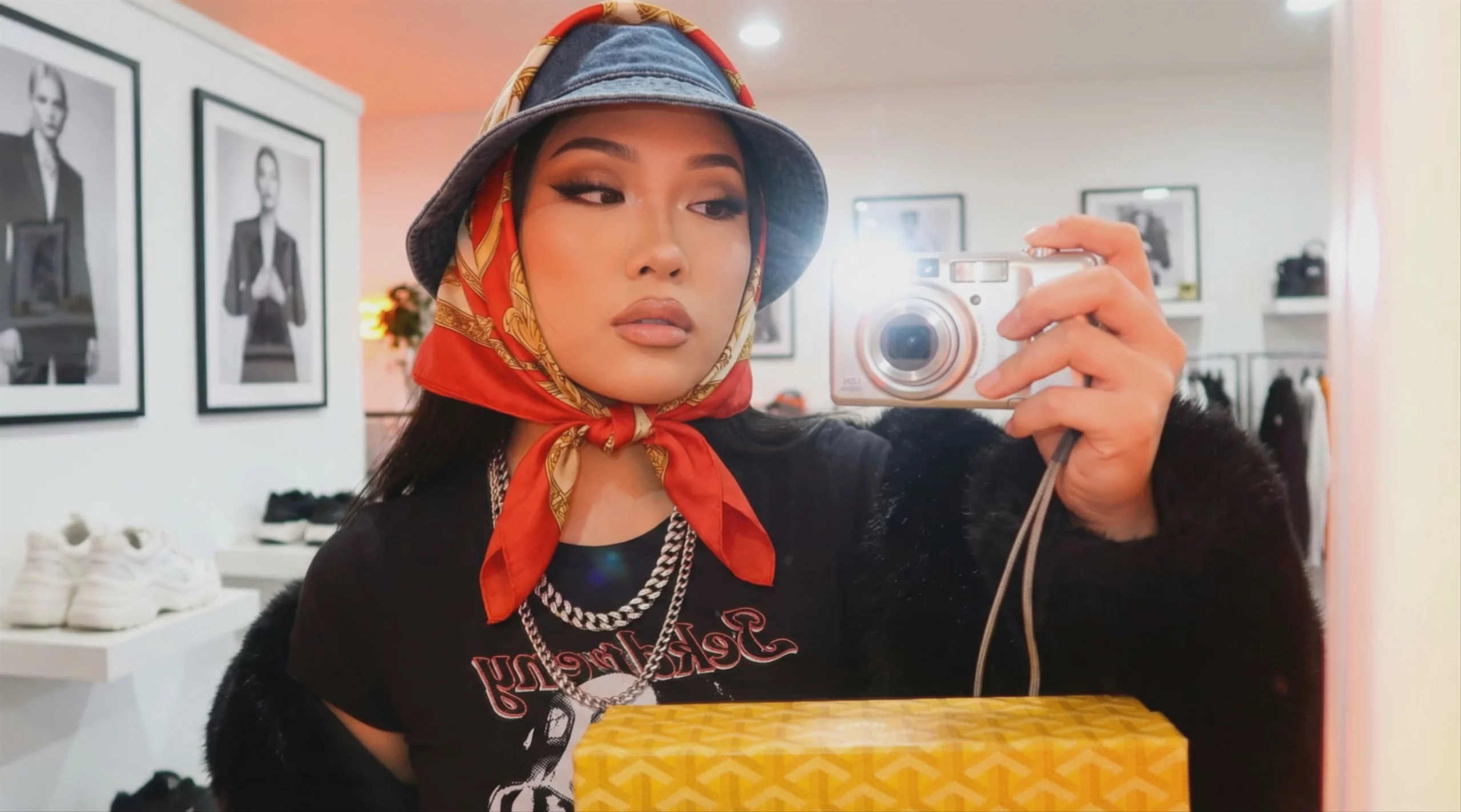
Hit generate. Omnia delivers an expressive performance with natural movement and micro-expressions tuned to your audio.
Performance, Not Just Movement
The face responds to the rhythm, emotion, and timing of the audio.
Get Started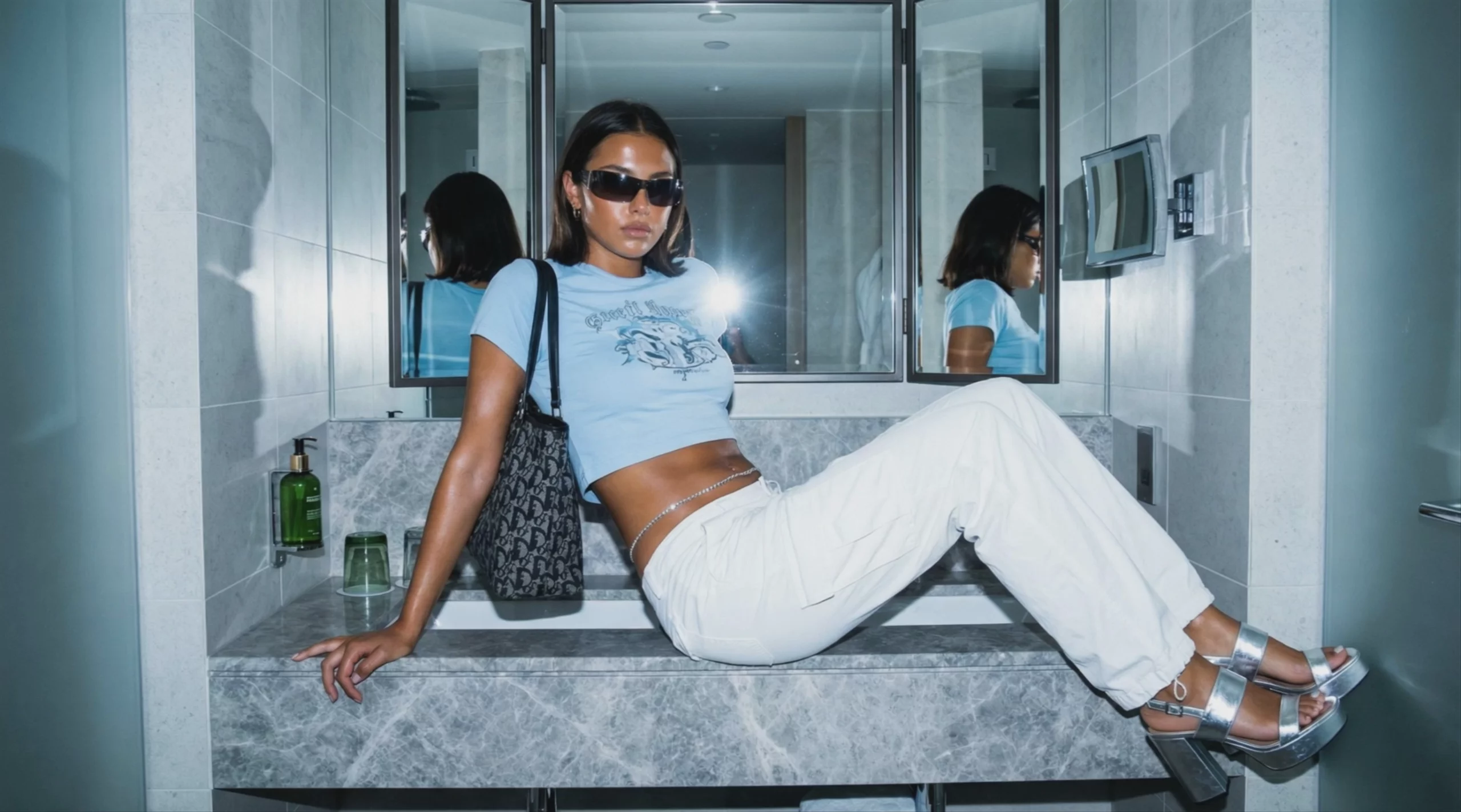
Driven by Omnia
Omnia is Hedra's character animation model. Veo, Sora, and Seedance can animate an image into motion. Omnia animates an image into a performance driven by audio. Speech rhythm, emotion, and pacing shape every blink, brow lift, head tilt, and micro-expression on the face.
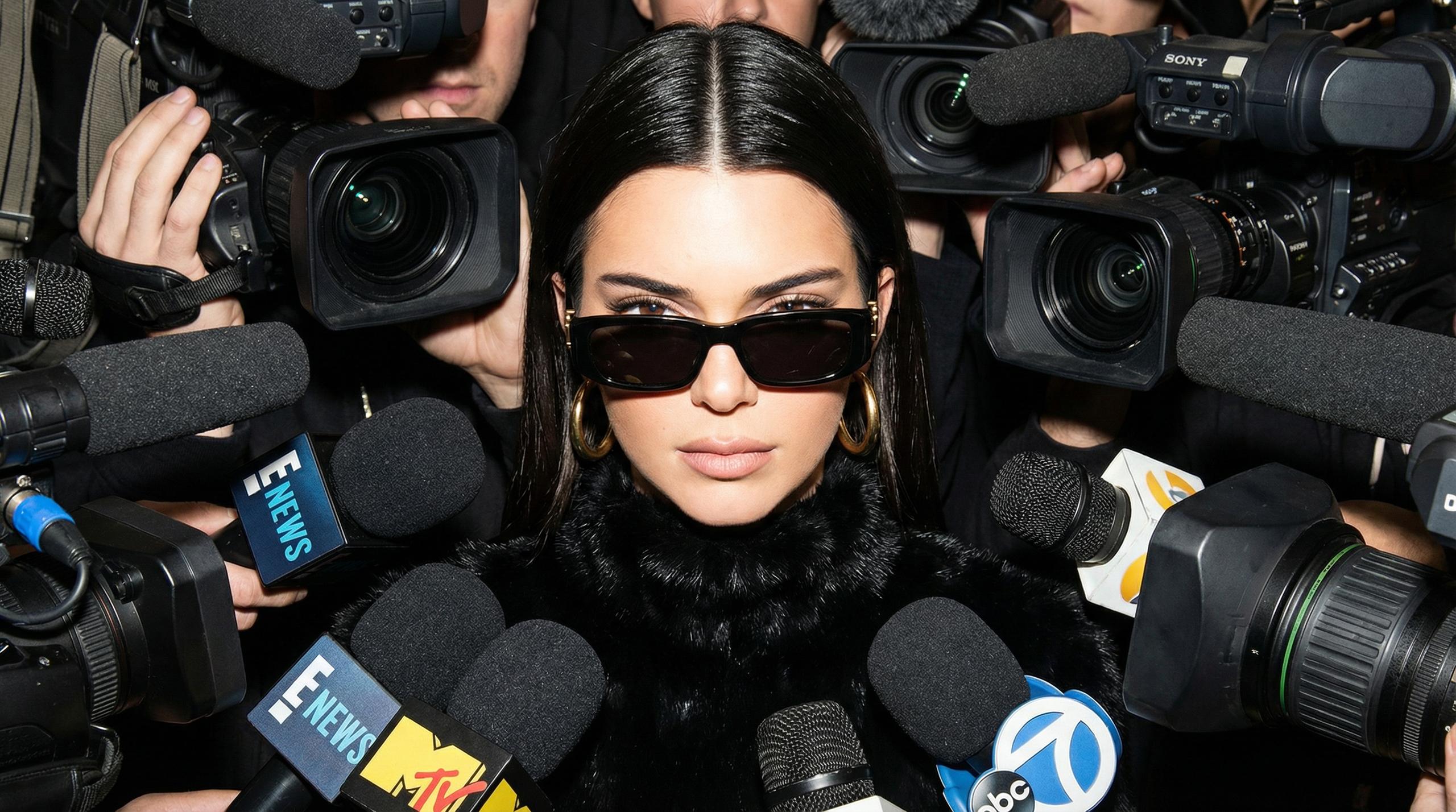
Thousands of voices, dozens of languages
Pick from a library of voices across ElevenLabs, MiniMax, and other integrations. Type a script with text-to-speech, clone your own voice, or upload audio you already have. Switch languages anytime without re-recording.
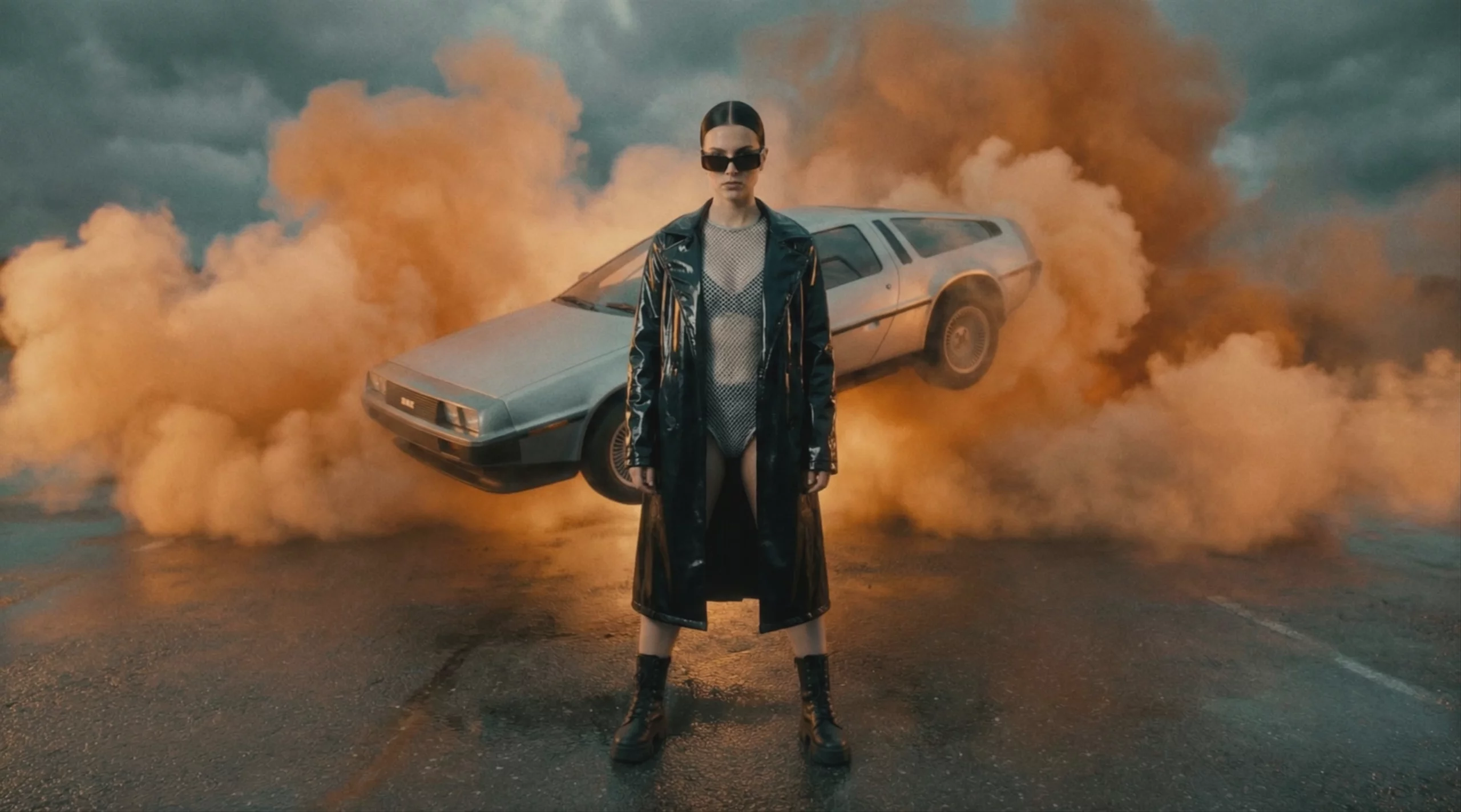
Any photo, any style
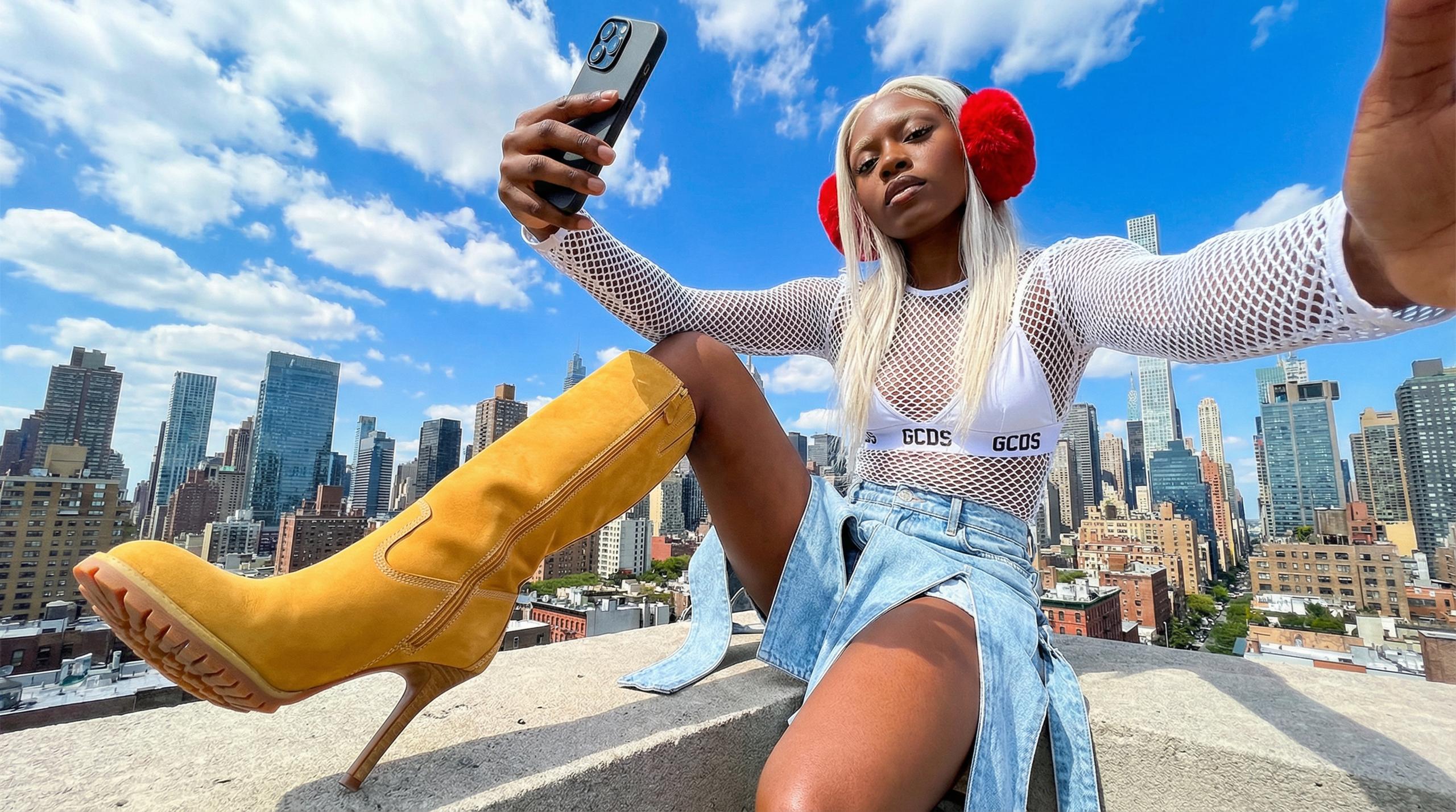
A real portrait becomes a talking head. An illustration or cartoon becomes an animated character. A brand mascot becomes a spokesperson.
Hedra learns from the tools you already use
Connect Google Drive, Notion, Slack, and the other tools where your brand lives. The Hedra agent reads from them as part of its working context, so every talking photo lands on-brand without you having to brief it from scratch.
Talking Photo AI Pricing
Start creating with Hedra for free. Upgrade when you need more credits, faster generation, or commercial use rights.
Get StartedFor Individuals
$15 / month
Billed Monthly
- 1500 credits / month
- Slower generations
- Commercial use
- Monthly Credits Do Not Roll Over
$30 / month
Billed Monthly
- 5400 credits / month
- Faster generation
- Commercial use
- Can purchase extra credits
- Monthly Credits Do Not Roll Over
$75 / month
Billed Monthly
- 14400 credits / month
- Fastest generation
- Commercial use
- Can purchase extra credits
- Teams Plan Access
- Monthly Credits Do Not Roll Over
For Business
$75 / month
Billed Monthly
- 14400 credits / month
- Fastest generation
- Commercial use
- Can purchase extra credits
- Teams Plan Access
- Monthly Credits Do Not Roll Over
Custom
For enterprises that need custom volume and pricing
- Custom number of credits
- Commercial use
- Dedicated Technical Support on Slack
- Fastest Video Processing
- Dedicated account manager
- Forward Deployed Engineers
- Private deployments
- Single Sign-On
- Teams and management
- Legal and security review
Common Questions About Talking Photo AI
What you need to know before generating your first talking photo video.
A talking photo AI generator takes a still image of a person, illustration, or character and turns it into a video where the face speaks. The AI matches facial movement to the rhythm and emotion of an audio track. The result is a clip that performs, not just an image with a moving mouth.
Any photo with a clear, well-lit face. Real portraits, illustrations, cartoons, AI-generated images, and hand-drawn characters all work. Hedra accepts JPG and PNG file formats.
Hedra includes thousands of voices across ElevenLabs, MiniMax, and other integrations, in dozens of languages. Voice cloning is supported, so you can talk in your own voice or a custom-trained one. You can record audio directly in the app, upload your own track, or type a script and use the built-in text-to-speech.
With Omnia, you can generate talking photo videos up to 10 minutes long in a single run. For longer pieces, generate multiple clips and combine them in Hedra Composer.
Yes, on paid plans. The Basic, Creator, and Professional plans all include commercial use rights for ads, social media, product marketing, and any other commercial application.
Hedra accepts JPG and PNG for photo uploads, and common audio file types for audio uploads. Generated talking photo videos download in standard video formats for use across any platform.
Make the work
The agent that researches, reasons, and produces — so you ship what actually matters. Drag to explore what people are making with Hedra.